AI and Machine Learning
Use operational data to make better decisions without building AI theater.
OfficeWeave applies AI and machine learning where the business actually benefits: extracting structure from messy information, improving classification and routing, supporting decision-making across disparate data, and helping teams work through more operational detail with less manual review. The goal is practical throughput, not generic AI positioning.
Paid discovery starts at $2,500 and is credited toward implementation.
Best fit for
Best for businesses that already have real operational data and need it turned into more usable decisions.
OfficeWeave looks at the real sequence of work, then reduces the number of steps needed to complete it.
Teams spend time reviewing unstructured data to decide what happens next
Work has to be sorted, classified, routed, or prioritized manually
Data lives in too many formats to be useful without additional processing
You want business-specific decision support, not a generic chatbot layer
Outcome
Help teams act on operational data faster and with more confidence.
Where this service usually pays off.
Disparate information
Critical business context may live across spreadsheets, documents, notes, scanned files, and system exports that are difficult to evaluate together.
Manual triage and review
Experienced employees often spend time deciding what bucket something belongs in, who should handle it, or how urgent it is.
Operational bottlenecks around judgment
Even when a workflow is partly automated, decisions still stall if every exception or classification requires manual attention.
Practical implementation tied to the workflow itself.
The work starts by reviewing how tasks move through the office in detail, then choosing the cleanest technical approach for that process.
Classification, routing, summarization, and scoring systems built around business-specific workflows
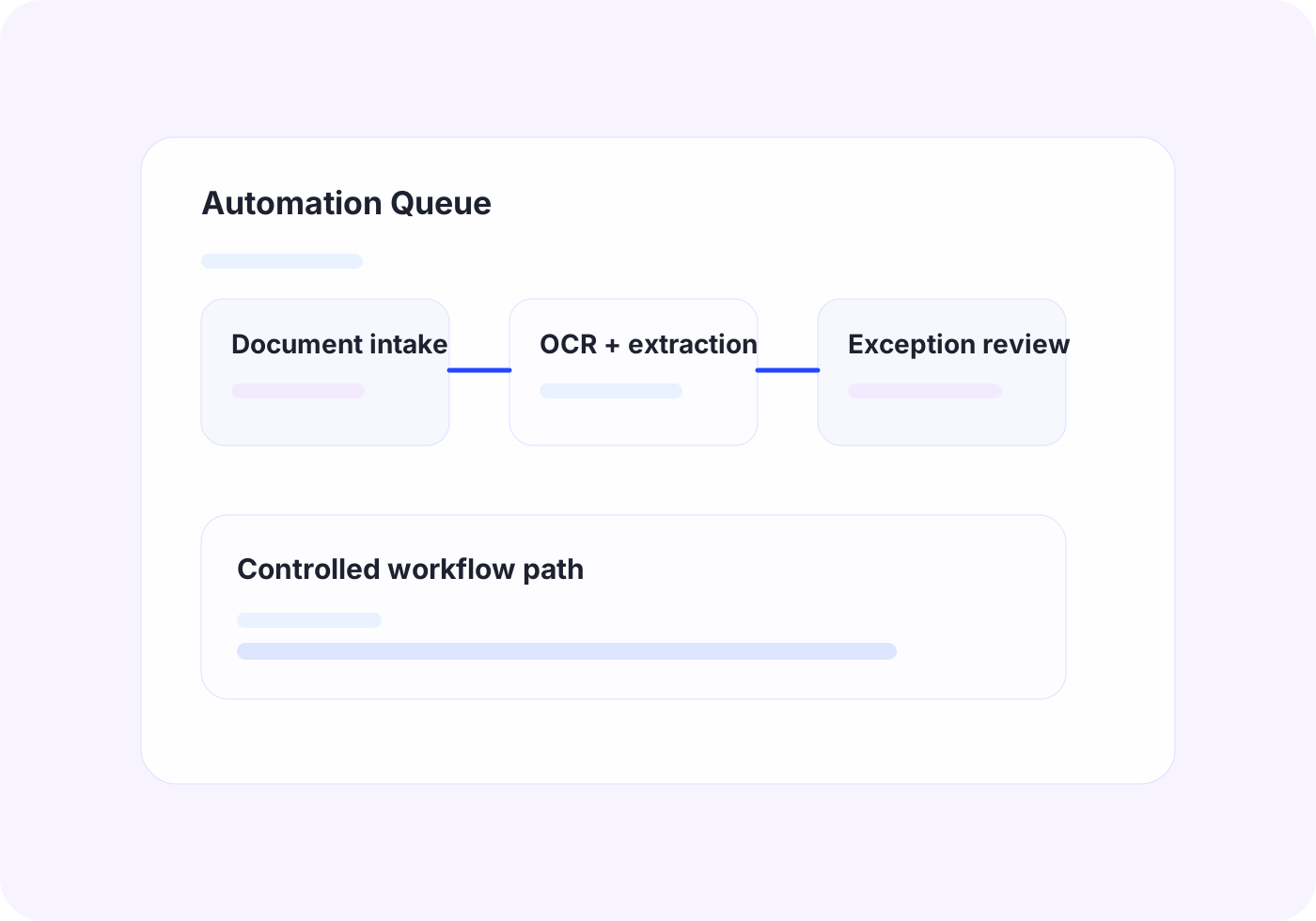
OCR plus extraction pipelines that turn unstructured documents into usable operational signals
ML-assisted dashboards and decision layers that help teams prioritize work faster
Human-in-the-loop review flows for cases where oversight matters
The business outcome should be operationally obvious.
Reduce time spent sorting and interpreting incoming information
Improve consistency in operational decision-making
Make more of your existing data usable
Support faster throughput without forcing blind automation
Tools and platforms we use when the workflow calls for them.
OfficeWeave is not committed to one implementation pattern. The right answer may be UiPath, OCR, AWS services, Azure services, Supabase-backed data flow, custom bots, scrapers, secure LLM workflows, or focused internal tooling depending on what the process actually requires.
How this work typically moves from manual friction to cleaner throughput.
These are representative flow patterns, not rigid templates. The exact implementation depends on the client's systems, data, and operational constraints.
Inbound work classification pipeline
Current state
9
manual steps in the representative workflow
Employees read each incoming message or file, decide what it is, then manually assign it to the right queue.
Future state
4
cleaner steps after redesign and automation
The business spends less time triaging inbound work and gets to the right next action faster.
OfficeWeave flow
3 implementation stages
Decision support from mixed operational data
Current state
8
manual steps in the representative workflow
Staff compare spreadsheets, extracted document fields, and system notes manually before deciding what happens next.
Future state
4
cleaner steps after redesign and automation
Decisions become faster and more consistent without removing human oversight.
OfficeWeave flow
3 implementation stages
Typical ways this service shows up in an engagement.
Document classification and routing
Analyze inbound files and messages, identify the relevant operational category, and route work into the right queue faster.
Decision support from mixed data
Bring together system data, extracted document fields, and historical context so teams can make decisions from a fuller operational picture.
Priority scoring for office queues
Help a team determine what should be handled first when work volume is too high for everything to be treated equally.
Adjacent work that often gets bundled into the same engagement.
Custom LLM Development
Deploy controlled LLM workflows for retrieval, drafting, extraction, and document-heavy process work with tighter security and review boundaries.
View related serviceLLM Consulting for SMBs
Decide where GPT-style tools fit, where they do not, and what a safe implementation path looks like before larger build work starts.
View related serviceNext Step
If this looks close to the kind of operational drag your team is dealing with, the right next step is usually paid discovery. That lets OfficeWeave review the workflow in detail and recommend the cleanest implementation path.
Starting engagement
$2,500
Discovery is credited toward implementation when the project moves forward.
Book a Strategy Call