Application Development
Build internal tools around the work your team actually does.
OfficeWeave creates focused applications that remove friction from daily operations: internal dashboards, browser extensions, macros, lightweight workflow tools, data-entry helpers, and custom interfaces that simplify the task instead of asking employees to adopt another oversized platform. The goal is to remove steps, not add software overhead.
Paid discovery starts at $2,500 and is credited toward implementation.
Best fit for
Best for teams that need a purpose-built internal tool because the existing software either does too much or not enough.
OfficeWeave looks at the real sequence of work, then reduces the number of steps needed to complete it.
Employees rely on spreadsheets and workarounds to get through core tasks
You need a simple internal interface on top of multiple systems
A team-specific workflow is too specialized for off-the-shelf software
You want targeted software that fits the job instead of enterprise bloat
Outcome
Give teams useful internal tools without bloated software overhead.
Where this service usually pays off.
Too many tools for one task
A single office process may require staff to jump across several systems even when they only need a small subset of each one.
No operator-friendly internal interface
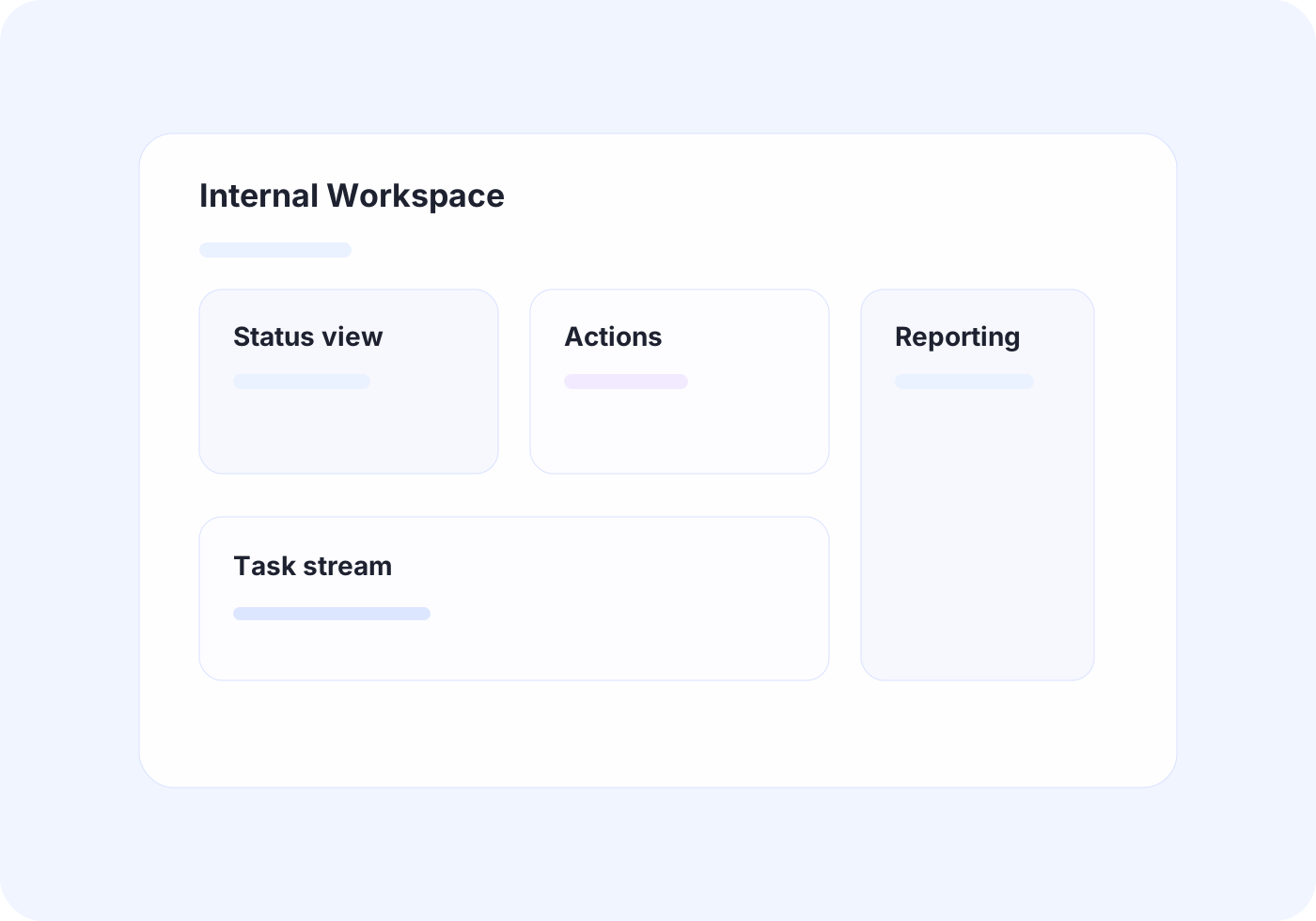
Teams often need one focused workspace that brings the right information together instead of opening five different applications.
Specialized work has no software fit
Some office workflows are too specific to justify a full enterprise implementation but important enough to need better tooling.
Practical implementation tied to the workflow itself.
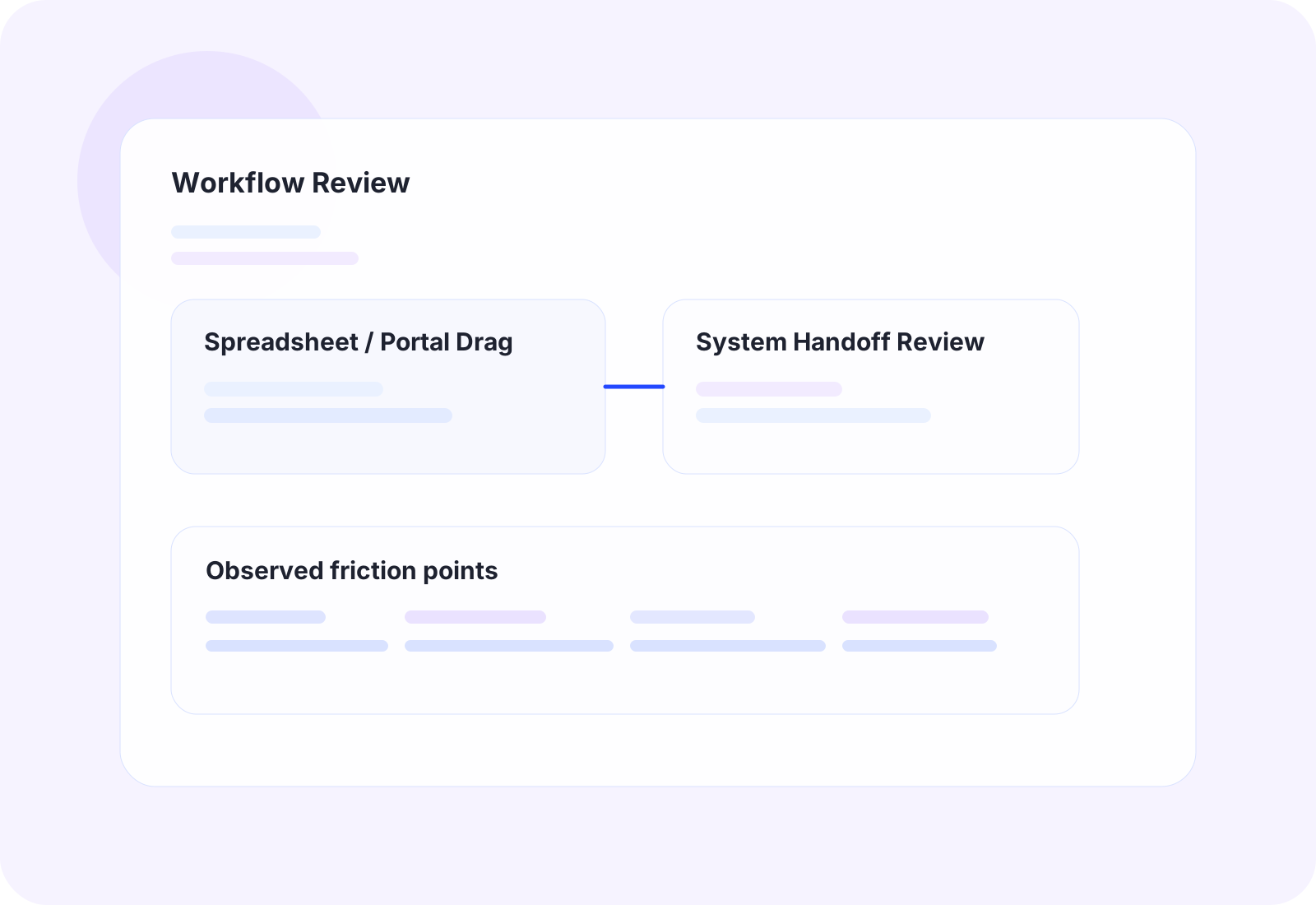
The work starts by reviewing how tasks move through the office in detail, then choosing the cleanest technical approach for that process.
Internal dashboards that combine the business information a team needs most
Workflow apps for approvals, handoffs, reviews, and repetitive internal process work
Utility software such as browser extensions, macros, or lightweight desktop tools where that is the cleanest fit
Custom interfaces that sit on top of existing systems to reduce the number of steps required per task
The business outcome should be operationally obvious.
Reduce context switching across multiple applications
Give teams simpler tools built around the real workflow
Improve speed and consistency for repetitive office tasks
Avoid paying enterprise-software costs for narrow internal needs
Tools and platforms we use when the workflow calls for them.
OfficeWeave is not committed to one implementation pattern. The right answer may be UiPath, OCR, AWS services, Azure services, Supabase-backed data flow, custom bots, scrapers, secure LLM workflows, or focused internal tooling depending on what the process actually requires.
How this work typically moves from manual friction to cleaner throughput.
These are representative flow patterns, not rigid templates. The exact implementation depends on the client's systems, data, and operational constraints.
Multi-system internal workspace
Current state
8
manual steps in the representative workflow
Employees open several apps and spreadsheets to complete one office task because no single tool reflects the full workflow.
Future state
3
cleaner steps after redesign and automation
The team completes the same work from one purpose-built workspace instead of from a patchwork of tabs.
OfficeWeave flow
3 implementation stages
Task-specific internal utility
Current state
9
manual steps in the representative workflow
A specialized office process is handled through spreadsheets, macros, notes, and manual checklists because no existing tool fits it well.
Future state
4
cleaner steps after redesign and automation
A fragile workaround becomes a repeatable internal process with less training burden and less overhead.
OfficeWeave flow
3 implementation stages
Typical ways this service shows up in an engagement.
Unified operations dashboard
Surface the most important operational data from multiple systems in one place so the team can act without constant tab switching.
Workflow-specific data entry tool
Replace a long chain of repetitive updates with a single internal tool that guides the user through the right fields and next steps.
Specialized helper utility
Create a small, targeted tool for a narrow process that matters to the business but does not justify a large custom software project.
Adjacent work that often gets bundled into the same engagement.
Custom Integrations
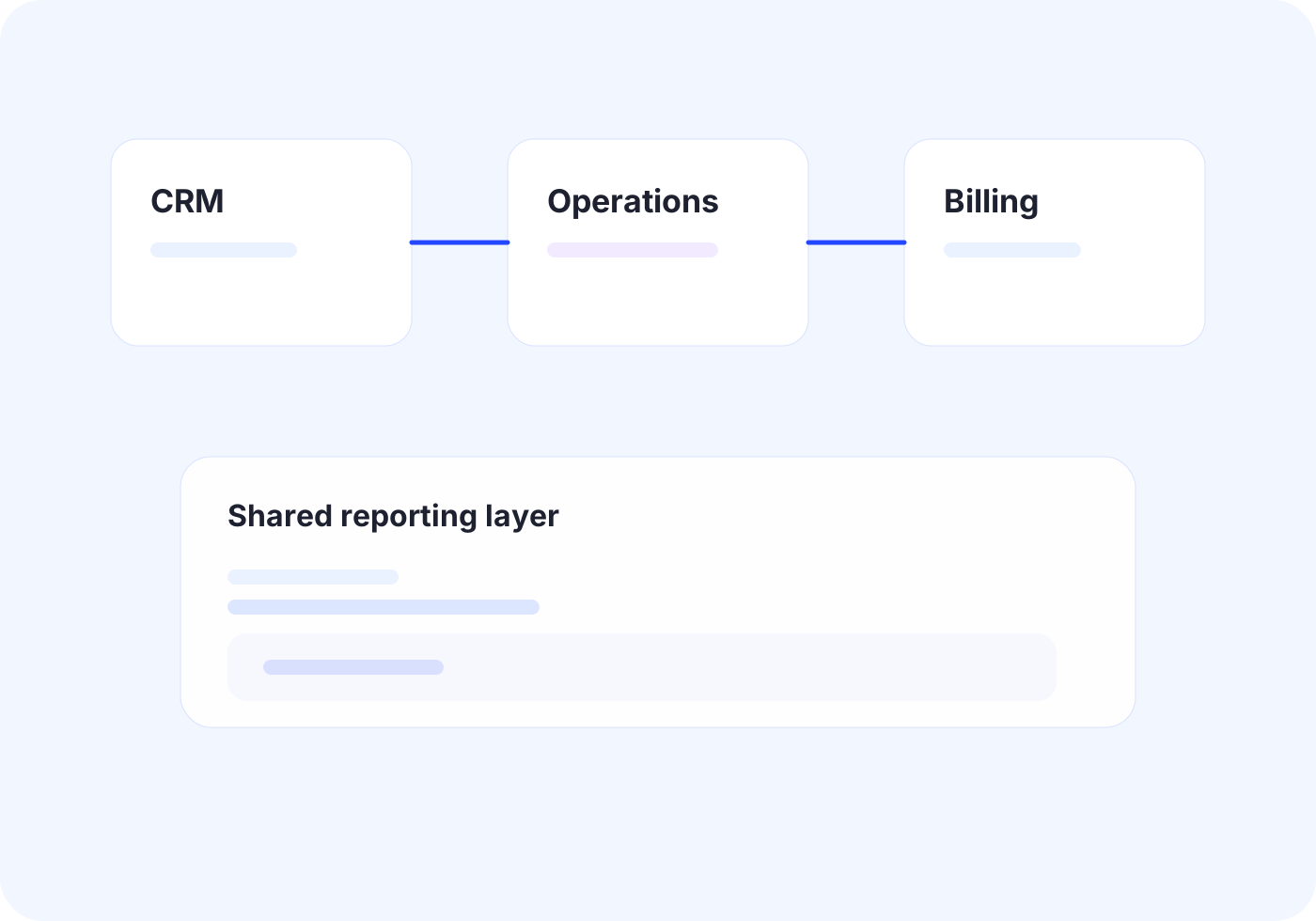
Connect core systems so records, documents, and status updates move once instead of being rebuilt by different teams.
View related service
Business Automation
Automate repetitive office work with scripting, bots, UI automation, and OCR when APIs are not enough.
View related serviceNext Step
If this looks close to the kind of operational drag your team is dealing with, the right next step is usually paid discovery. That lets OfficeWeave review the workflow in detail and recommend the cleanest implementation path.
Starting engagement
$2,500
Discovery is credited toward implementation when the project moves forward.
Book a Strategy Call