Business Automation
Reduce the office work that still depends on clicks, copy-paste, and manual handoffs.
OfficeWeave looks closely at how work actually moves through the office: what people click, what they copy, which apps they jump between, and where tasks stall. From there we design automation that shrinks those step counts using scripting, bots, UI automation, OCR, and structured exception handling so the process becomes faster without becoming fragile.
Paid discovery starts at $2,500 and is credited toward implementation.
Best fit for
Best for operations teams that have real process volume but still rely on too many manual steps to keep up.
OfficeWeave looks at the real sequence of work, then reduces the number of steps needed to complete it.
Staff repeat the same browser or desktop workflow all day
Legacy software forces teams into tedious update sequences
Paper, PDFs, scans, or screenshots still drive part of the workflow
You need automation around the existing process, not a wholesale software replacement
Outcome
Turn repeated admin work into consistent automated steps.
Where this service usually pays off.
High-click workflows
A single office task may require dozens or hundreds of clicks, repeated searches, copy-paste steps, and manual validations before it is complete.
No integration path
Some systems do not provide APIs or usable exports. In those cases, OfficeWeave can automate the interface itself with guardrails.
Document-driven work
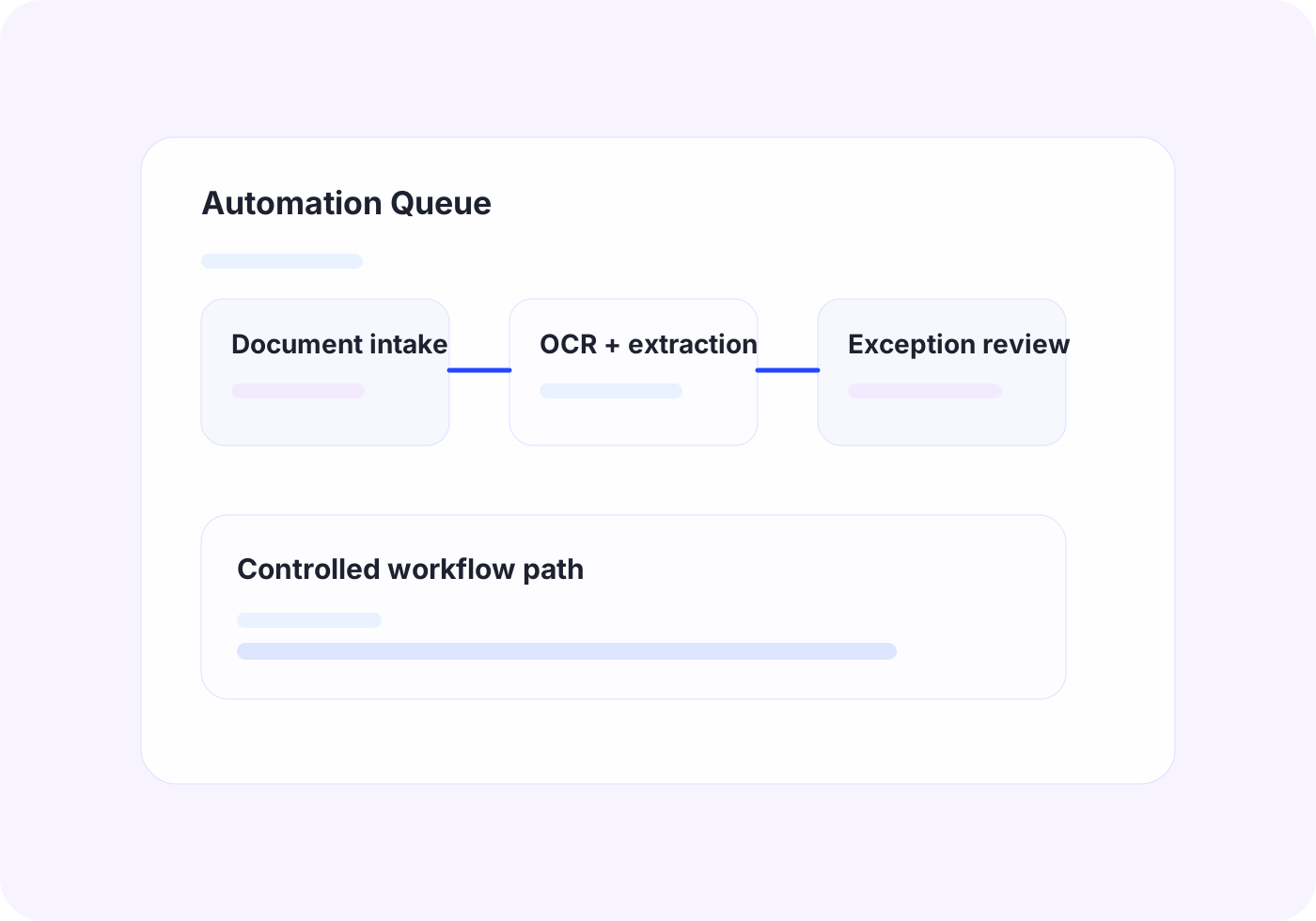
If key information lives inside PDFs, scanned paperwork, screenshots, or attachments, OCR and structured extraction can help convert it into usable workflow data.
Practical implementation tied to the workflow itself.
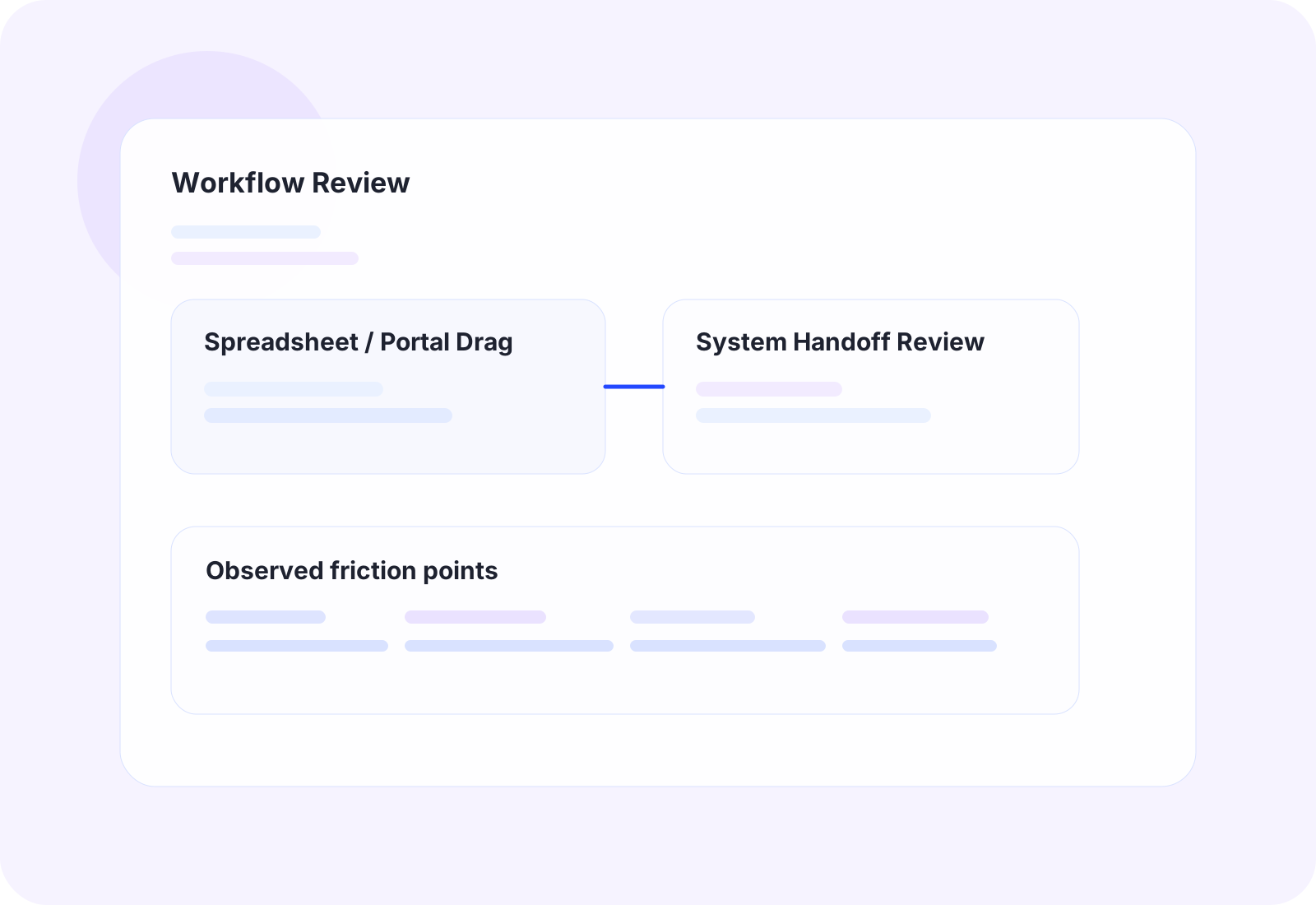
The work starts by reviewing how tasks move through the office in detail, then choosing the cleanest technical approach for that process.
UiPath automation for desktop software, portals, and Windows-based workflows that do not integrate cleanly
Custom scripts, bots, and automations that are lighter-weight than full RPA when the process allows it
OCR-assisted data capture and validation for document-heavy operations
Exception handling and operator review points so automation supports the team instead of creating hidden failure states
The business outcome should be operationally obvious.
Reduce repetitive clicks and copy-paste steps
Shorten processing time for high-volume back-office tasks
Improve consistency across repetitive work
Add capacity without increasing headcount for the same manual workload
Tools and platforms we use when the workflow calls for them.
OfficeWeave is not committed to one implementation pattern. The right answer may be UiPath, OCR, AWS services, Azure services, Supabase-backed data flow, custom bots, scrapers, secure LLM workflows, or focused internal tooling depending on what the process actually requires.
How this work typically moves from manual friction to cleaner throughput.
These are representative flow patterns, not rigid templates. The exact implementation depends on the client's systems, data, and operational constraints.
Legacy system bulk update workflow
Current state
12
manual steps in the representative workflow
A staff member opens records one at a time, copies values from one system, and repeats the same update path all day.
Future state
4
cleaner steps after redesign and automation
The team handles high-volume update work with fewer clicks, fewer errors, and less repetitive labor.
OfficeWeave flow
3 implementation stages
OCR-driven document intake
Current state
10
manual steps in the representative workflow
Incoming files are opened by hand, key values are copied out, and staff route the work manually.
Future state
4
cleaner steps after redesign and automation
Document-heavy intake becomes structured, faster, and less dependent on manual transcription.
OfficeWeave flow
3 implementation stages
Typical ways this service shows up in an engagement.
Bulk updates across legacy systems
Read records from one source, navigate a Windows application or portal, and complete the updates automatically when there is no direct integration path.
Document intake automation
Extract information from incoming files, normalize the data, and route it into the systems or queues that drive the next operational step.
Portal maintenance workflows
Automate repeat portal tasks like lookup, verification, and status updates so the team stops spending hours on the same office motions every week.
Adjacent work that often gets bundled into the same engagement.
RPA Services
Software robots that take over repetitive, rules-based office work — portal updates, data entry, and document processing — with human review where it matters.
View related service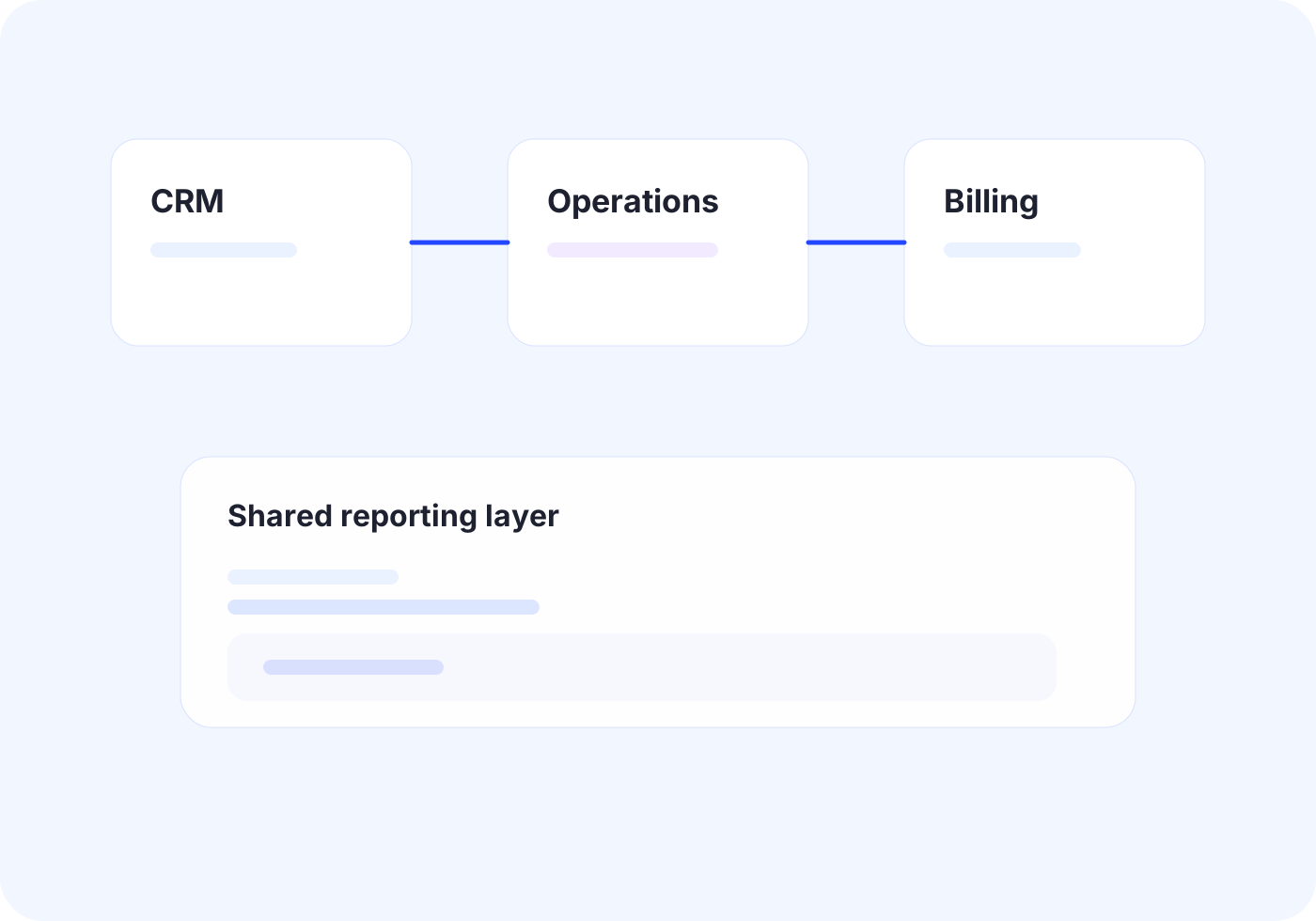
Custom Integrations
Connect core systems so records, documents, and status updates move once instead of being rebuilt by different teams.
View related serviceNext Step
If this looks close to the kind of operational drag your team is dealing with, the right next step is usually paid discovery. That lets OfficeWeave review the workflow in detail and recommend the cleanest implementation path.
Starting engagement
$2,500
Discovery is credited toward implementation when the project moves forward.
Book a Strategy Call