Custom Integrations
Connect the systems your team already relies on.
OfficeWeave designs integration workflows around the way your team already works. We map where data is being re-entered, where a portal blocks progress, and where information gets copied between apps, then build a cleaner operational flow using APIs, database pipelines, and practical fallback automation when a clean integration does not exist.
Paid discovery starts at $2,500 and is credited toward implementation.
Best fit for
Best for businesses where the core problem is not a lack of software, but disconnected software.
OfficeWeave looks at the real sequence of work, then reduces the number of steps needed to complete it.
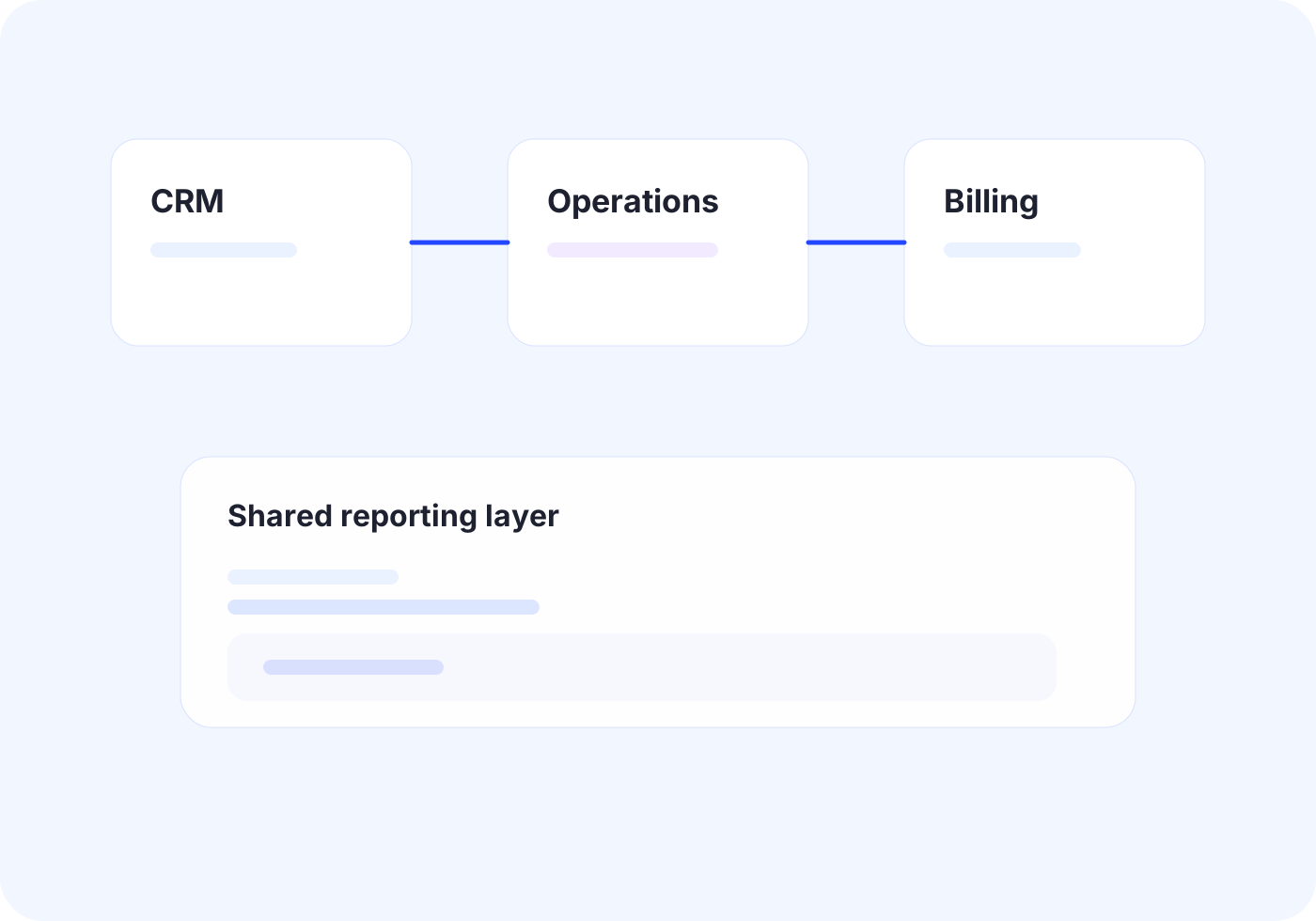
Teams copy information between CRM, billing, scheduling, and reporting tools
Important status updates live in more than one system
A vendor app does not expose the integration you actually need
Manual exports and imports are eating up operations time
Outcome
Create one reliable flow across disconnected tools.
Where this service usually pays off.
Manual re-entry between systems
Staff spend time moving client, billing, scheduling, or case information from one application into another just to keep work moving.
Operational blind spots
Leadership wants a usable view of the business, but the underlying systems never stay in sync long enough to trust the reporting.
No usable vendor integration
When a platform does not offer a workable API or clean export path, OfficeWeave can design around the limitation instead of leaving the team stuck.
Practical implementation tied to the workflow itself.
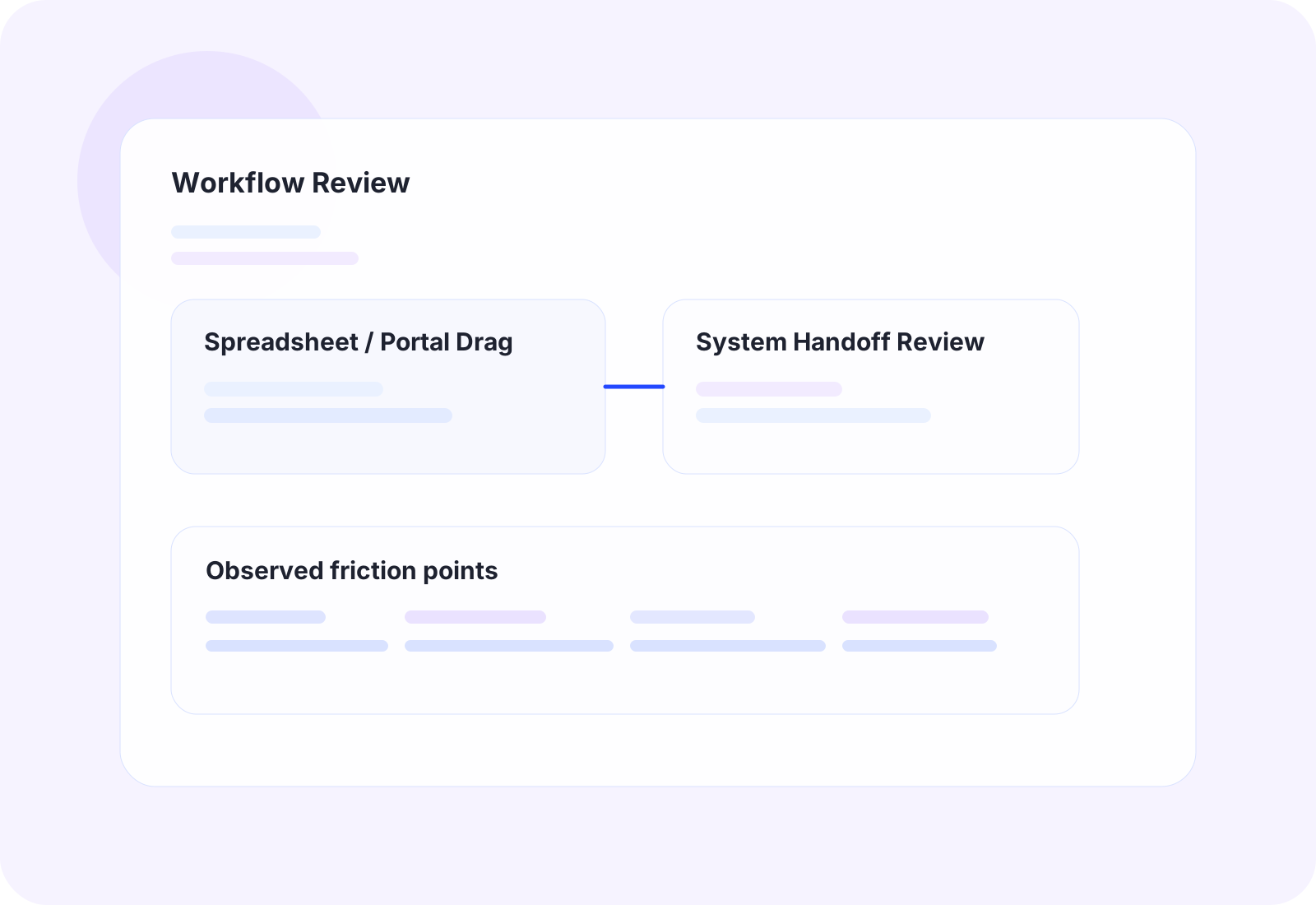
The work starts by reviewing how tasks move through the office in detail, then choosing the cleanest technical approach for that process.
API-based connections between cloud tools, internal databases, and line-of-business software
Data flow orchestration using AWS, Azure, or Supabase where the workflow needs durable storage or controlled processing
Scheduled imports, exports, validations, and transformation steps that remove repetitive office work
Fallback UI automation for systems that do not expose clean integration points
The business outcome should be operationally obvious.
Reduce manual transfer work between systems
Lower reporting lag and duplicate data entry
Give operations teams one cleaner flow instead of several broken ones
Create a more stable foundation for future automation and AI work
Tools and platforms we use when the workflow calls for them.
OfficeWeave is not committed to one implementation pattern. The right answer may be UiPath, OCR, AWS services, Azure services, Supabase-backed data flow, custom bots, scrapers, secure LLM workflows, or focused internal tooling depending on what the process actually requires.
How this work typically moves from manual friction to cleaner throughput.
These are representative flow patterns, not rigid templates. The exact implementation depends on the client's systems, data, and operational constraints.
Client onboarding data handoff
Current state
9
manual steps in the representative workflow
Sales exports client details, operations re-enters them, then billing rebuilds the same information in a third system.
Future state
3
cleaner steps after redesign and automation
One approved handoff replaces multiple rounds of re-keying and follow-up across teams.
OfficeWeave flow
3 implementation stages
Reporting pipeline across disconnected apps
Current state
8
manual steps in the representative workflow
Managers pull exports from multiple systems every week and rebuild the same report manually.
Future state
3
cleaner steps after redesign and automation
Reporting becomes repeatable, faster, and much less dependent on manual spreadsheet assembly.
OfficeWeave flow
3 implementation stages
Typical ways this service shows up in an engagement.
CRM to fulfillment handoff
Move approved client records, documents, and billing details from sales tools into the systems the delivery team actually uses without manual re-keying.
Multi-system reporting flow
Pull data from billing, operations, and customer systems into one structured reporting layer so status reporting does not depend on copy-paste work.
Portal-to-database sync
Capture information from a third-party portal and normalize it into an internal store when the vendor experience is too rigid to support the business cleanly.
Adjacent work that often gets bundled into the same engagement.
Business Automation
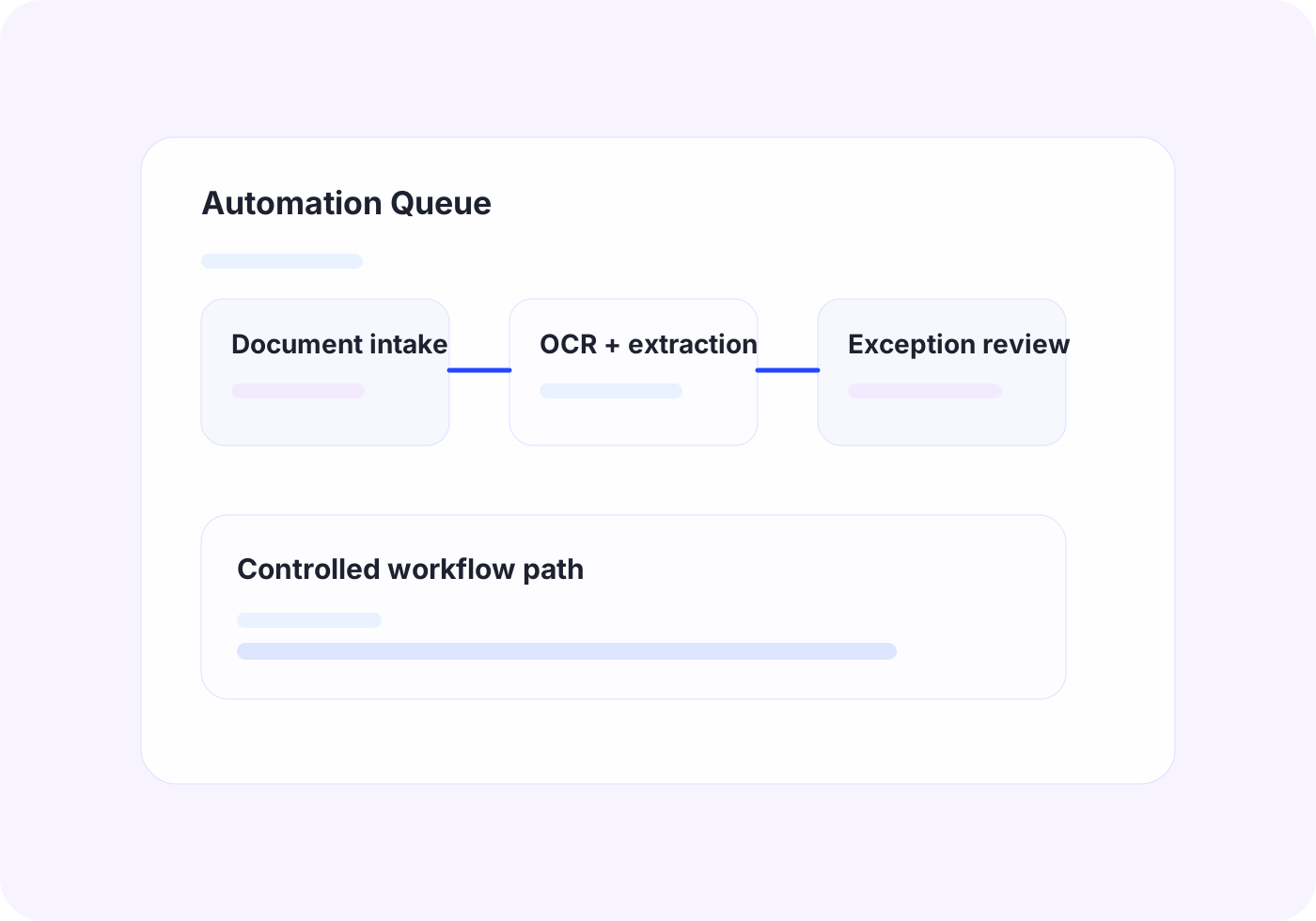
Automate repetitive office work with scripting, bots, UI automation, and OCR when APIs are not enough.
View related service
Application Development
Build focused dashboards, workflow apps, browser extensions, and utilities that remove steps from the job instead of adding software overhead.
View related serviceNext Step
If this looks close to the kind of operational drag your team is dealing with, the right next step is usually paid discovery. That lets OfficeWeave review the workflow in detail and recommend the cleanest implementation path.
Starting engagement
$2,500
Discovery is credited toward implementation when the project moves forward.
Book a Strategy Call