RPA Services
Robotic process automation built around your real workflows.
OfficeWeave provides RPA services for operations-heavy businesses: UiPath and Power Automate implementations, custom bots, and browser or desktop automation for the systems that will never offer an API. Robots handle the rules-based volume — portal updates, re-keying, document processing — while exceptions route to your team for judgment.
Paid discovery starts at $2,500 and is credited toward implementation.
Best fit for
Best for teams where the same portal, desktop, or document routine repeats dozens of times a day.
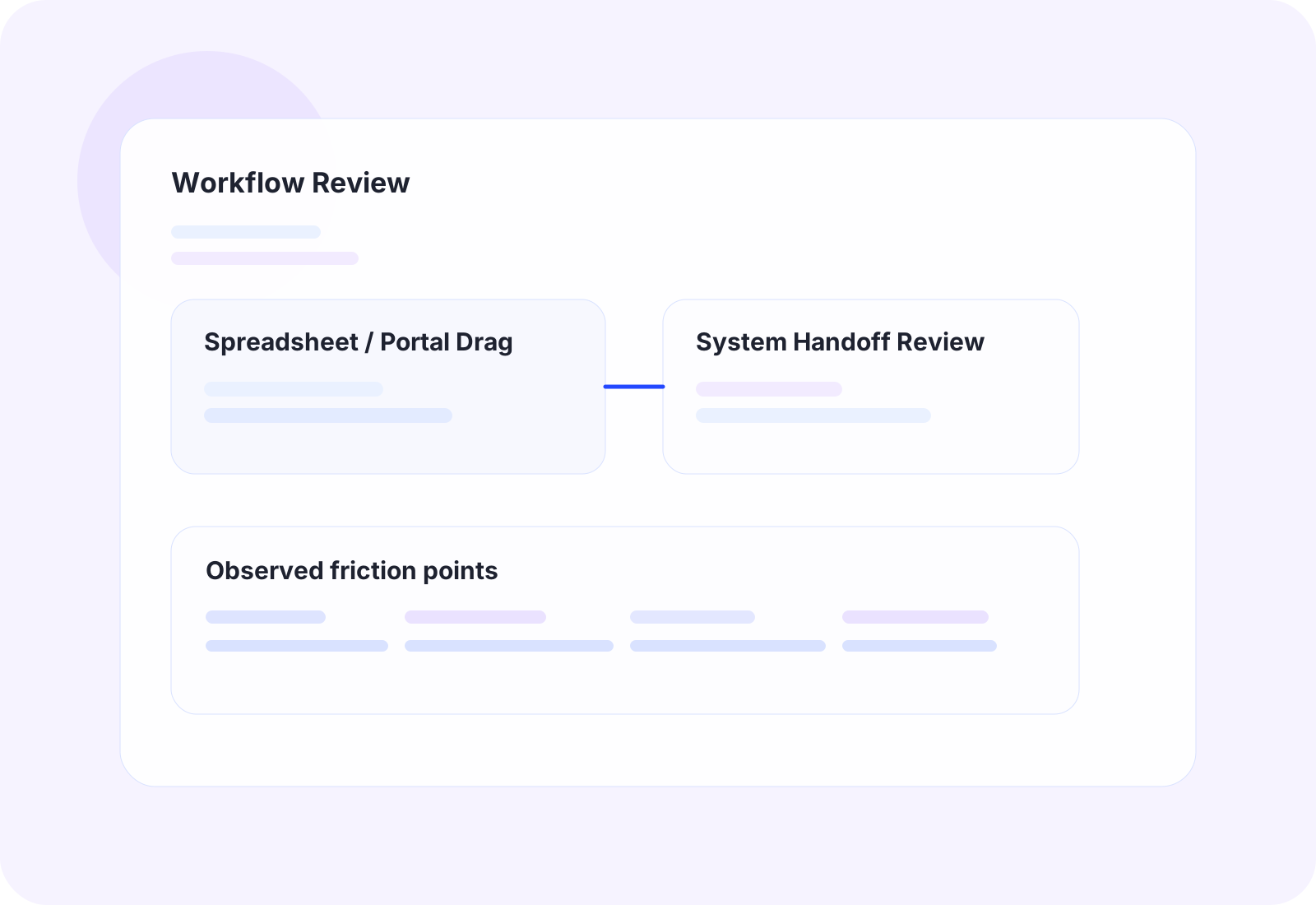
OfficeWeave looks at the real sequence of work, then reduces the number of steps needed to complete it.
Staff work through the same high-click update path in a portal or legacy app all day
Rules-based tasks like status checks, re-keying, and lookups consume real staff hours
Invoices, orders, or claims arrive as documents that get processed by hand
The volume is growing but hiring another person just to click through it makes no sense
Outcome
Handle more volume without adding repetitive manual work.
Where this service usually pays off.
High-volume portal and desktop work
Vendor portals, payer sites, and legacy desktop apps force staff through the same navigation and entry sequence for every record, dozens or hundreds of times a day.
Rules-based work treated as judgment work
Most of the daily volume follows clear rules. A robot can process the clean cases end to end and queue only the genuine exceptions for a person.
RPA projects that stall after a pilot
Bots break when they are built as demos instead of operational systems. OfficeWeave builds RPA with exception handling, logging, and maintainability from the start.
Practical implementation tied to the workflow itself.
The work starts by reviewing how tasks move through the office in detail, then choosing the cleanest technical approach for that process.
UiPath and Power Automate implementation scoped to the actual workflow, not the license tier
Custom bots and scripts where a full RPA platform would be overkill
Browser and Windows desktop automation for systems with no workable API
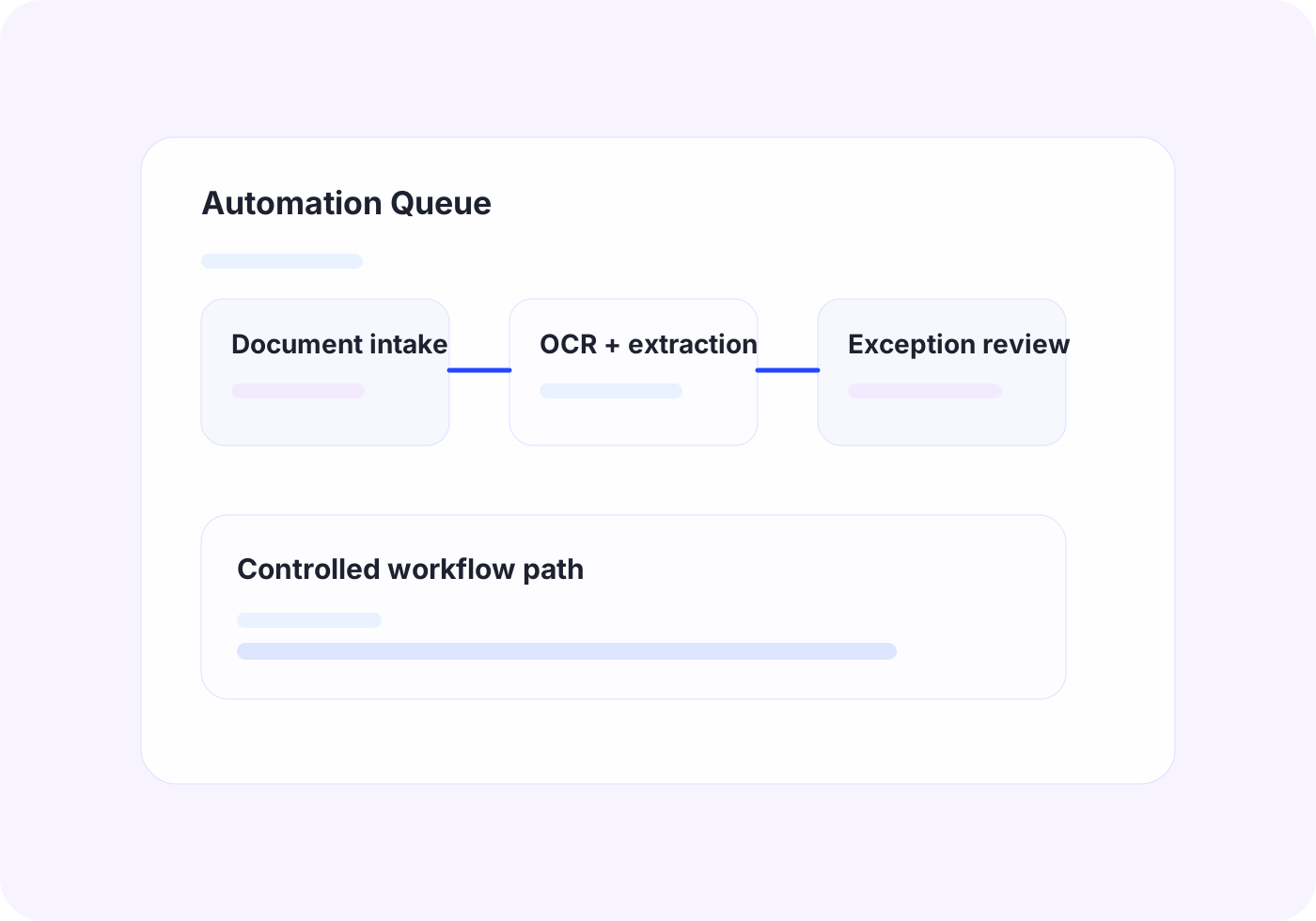
OCR and document extraction feeding robotic data entry, with validation and review checkpoints
The business outcome should be operationally obvious.
Process more daily volume without adding repetitive manual work
Cut error rates on re-keyed data by removing the re-keying
Free staff hours for the exceptions and decisions that actually need them
Get durable automation with monitoring and exception queues, not a fragile pilot
Tools and platforms we use when the workflow calls for them.
OfficeWeave is not committed to one implementation pattern. The right answer may be UiPath, OCR, AWS services, Azure services, Supabase-backed data flow, custom bots, scrapers, secure LLM workflows, or focused internal tooling depending on what the process actually requires.
How this work typically moves from manual friction to cleaner throughput.
These are representative flow patterns, not rigid templates. The exact implementation depends on the client's systems, data, and operational constraints.
Daily portal status-check loop
Current state
11
manual steps in the representative workflow
A staff member logs into each portal, looks up every open record, copies the status out, and updates the internal tracker line by line.
Future state
3
cleaner steps after redesign and automation
Status is current before the team sits down, and staff touch only the records that need a decision.
OfficeWeave flow
3 implementation stages
Invoice intake to accounting
Current state
9
manual steps in the representative workflow
Invoices are opened by hand, key fields are retyped into accounting, and mismatches surface weeks later during reconciliation.
Future state
2
cleaner steps after redesign and automation
Accounts payable runs on exceptions instead of transcription, and errors surface immediately instead of at month-end.
OfficeWeave flow
3 implementation stages
Typical ways this service shows up in an engagement.
Portal update loop
A robot logs into the vendor or payer portal, runs the same status-check and update sequence staff currently repeat all day, and writes results back to internal systems.
Accounts payable intake
Invoices arriving by email are captured, extracted with OCR, matched against expected values, and entered into accounting — with mismatches queued for human review.
Legacy system bulk processing
When a one-time migration or recurring bulk update would take weeks of clicking, a bot completes the run in hours with a full log of every record touched.
Adjacent work that often gets bundled into the same engagement.
Business Automation
Automate repetitive office work with scripting, bots, UI automation, and OCR when APIs are not enough.
View related service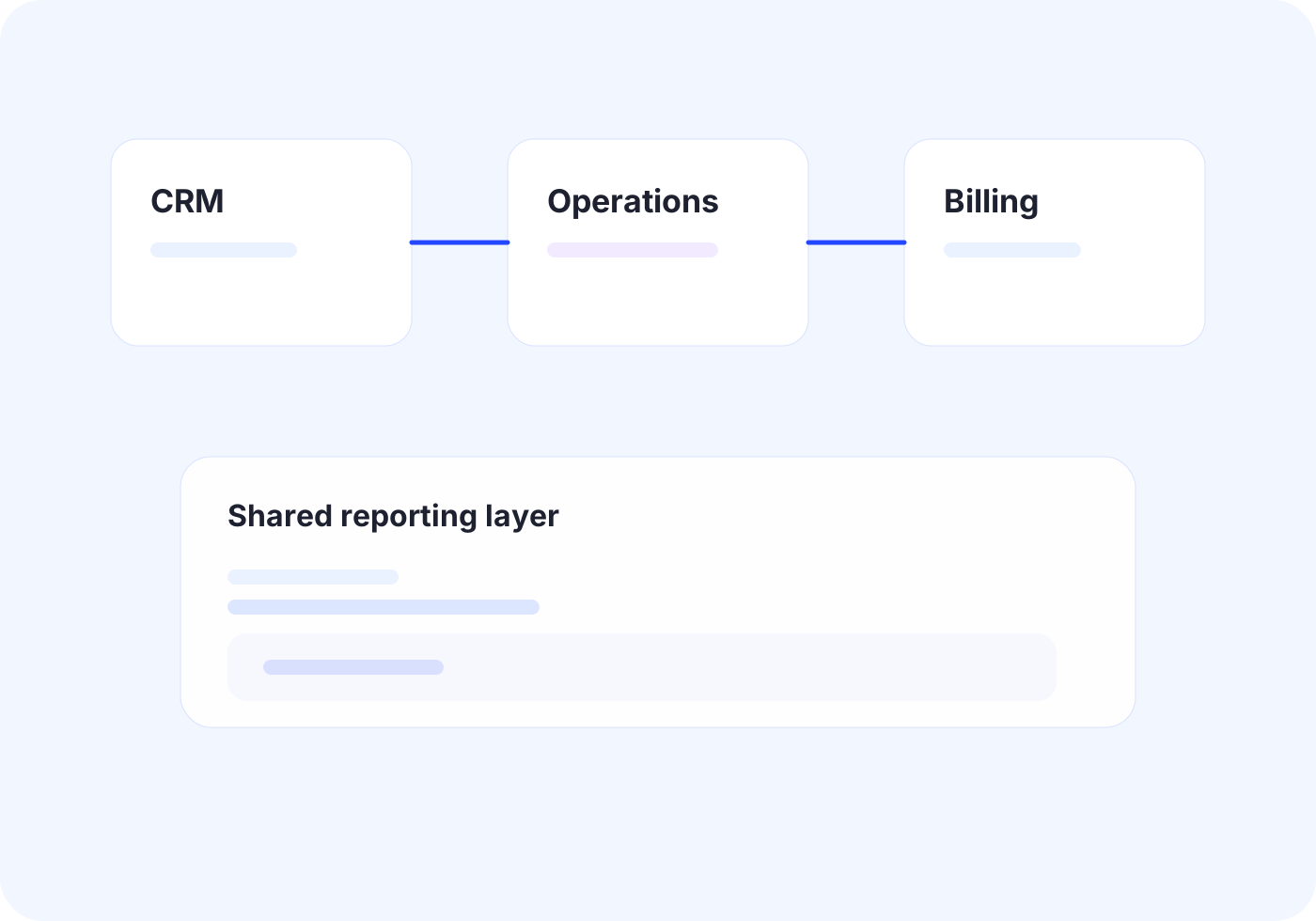
Custom Integrations
Connect core systems so records, documents, and status updates move once instead of being rebuilt by different teams.
View related serviceNext Step
If this looks close to the kind of operational drag your team is dealing with, the right next step is usually paid discovery. That lets OfficeWeave review the workflow in detail and recommend the cleanest implementation path.
Starting engagement
$2,500
Discovery is credited toward implementation when the project moves forward.
Book a Strategy Call